
Introduction
If you’re still taking bookings through phone calls or handwritten notes, you’re already losing customers.
Many small restaurant owners face the same issue:
- Missed calls during busy hours
- Double bookings
- Confused staff
- And worst of all… empty tables
The truth is simple.
Customers today expect fast and easy online booking. If you don’t offer it, they move to a competitor who does.
In this guide, you’ll learn how to set up online reservations for your restaurant step by step — in a simple, practical way.
No technical background needed.
Why Manual Booking Is Hurting Your Restaurant
Manual systems might feel manageable at first. But as your restaurant grows, they become a problem.
Common issues:
- Missed reservations during peak hours
- No clear table tracking
- High chances of overbooking
- No customer data stored
Over time, this leads to:
- Poor customer experience
- Revenue loss
- Staff stress
This is why many owners are searching for a simple online reservation system for restaurants.
Why Setting Up Online Reservations Matters
Moving to an online system is not just a trend — it’s a business upgrade.
Benefits include:
- 24/7 booking availability
- Fewer missed reservations
- Better table organization
- Automated confirmations and reminders
Restaurants using digital booking systems report:
- Up to 30–40% fewer no-shows
- Higher table utilization
- Better customer satisfaction
Step-by-Step: How to Set Up Online Reservations for Restaurant
This is the most important section.
Follow these steps to set up your system correctly.
Step 1: Choose the Right Reservation System
Start with a tool designed for small restaurants.
Look for:
- Easy setup
- No technical complexity
- Affordable pricing
- Built-in automation
This is where a platform like TableMash becomes useful — it’s designed specifically for small restaurant operations.
Step 2: Set Up Your Table Management System
Before accepting bookings, define your seating layout.
You need to:
- Add number of tables
- Define seating capacity
- Set time slots
A good table management system for restaurants helps you:
- Avoid overbooking
- Maximize table usage
- Manage peak hours efficiently
Step 3: Add an Online Booking Widget
Next, make it easy for customers to book.
Add a booking widget to your:
- Website
- Google Business profile
- Social media pages
This allows customers to:
- Book instantly
- Choose time slots
- Receive confirmation
This is the best way to take restaurant reservations online today.
Step 4: Enable Confirmation & Reminder System
This step is critical if you want to reduce no-shows.
Set up:
- Instant booking confirmation
- SMS/email reminders
- Pre-visit notifications
This helps:
- Reduce missed bookings
- Improve customer reliability
Step 5: Activate Customer CRM Tracking
A customer CRM for restaurants allows you to:
- Track repeat customers
- Identify no-show patterns
- Personalize communication
Over time, this improves customer loyalty and booking behavior.
Step 6: Use Analytics to Optimize Bookings
Once your system is live, track performance.
Look at:
- Peak booking times
- No-show rates
- Customer trends
With analytics, you can:
- Adjust time slots
- Improve scheduling
- Increase table turnover
Common Mistakes to Avoid
Even with the right system, mistakes can happen.
Avoid these:
- Not sending booking reminders
- Allowing unlimited bookings (overbooking)
- Ignoring customer data
- Using multiple disconnected tools
These mistakes lead to chaos and lost revenue.
Real Scenario of Small Restaurant in Australia
A small restaurant in Brisbane relied on phone bookings.
Before:
- Staff handled calls manually
- No reminders sent
- Frequent overbooking
Result:
- 12% booking errors
- High no-show rate
- Customer complaints
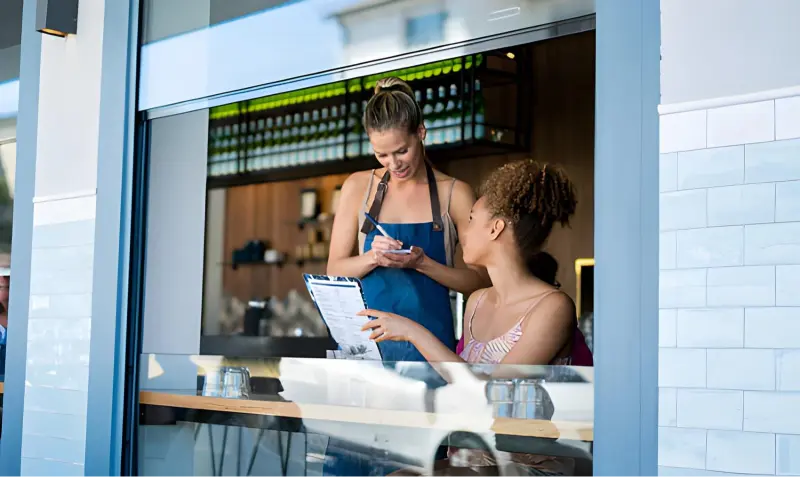
After switching to an online reservation system:
They implemented:
- Booking widget
- Table management system
- CRM tracking
Result:
- 50% reduction in booking errors
- Significant drop in no-shows
- Improved customer experience
This shows how powerful the right system can be.
Manual vs Online Reservation System
| Feature | Manual Booking | Online Reservation System |
| Booking process | Phone / notebook | Automated |
| Availability | Limited hours | 24/7 |
| Reminders | None | Automated |
| Customer tracking | Not available | CRM system |
| Efficiency | Low | High |
👉 The difference is clear. Online systems give you control and scalability.
Expert Insight
From industry experience, one thing is clear:
Restaurants that adopt online booking systems grow faster.
Why?
Because they:
- Reduce manual workload
- Improve customer experience
- Make data-driven decisions
Customer behavior has also changed.
Today’s diners prefer:
- Quick booking
- Instant confirmation
- Zero waiting
If your system doesn’t provide this, they move on.
Make Booking Simple and Scalable
Setting up online reservations is not complicated.
But it is essential.
If you want to:
- Reduce manual booking
- Avoid overbooking
- Manage table reservations efficiently
- Stop missed restaurant bookings
Then you need a proper system.
Start by exploring how online reservation systems work and how they can simplify your restaurant operations.
Try TableMash today and set up your online reservation system in minutes. Book a free demo and see the difference.
FAQ Section
1. How do I set up online reservations for a small restaurant?
Use a simple booking system, set up tables, add a booking widget, and enable reminders.
2. What is the best way to take restaurant reservations online?
Using an automated booking system with CRM and reminders is the most effective way.
3. Can I add a booking system to my website easily?
Yes, most systems provide a booking widget that can be added without technical skills.
4. How do I avoid overbooking in restaurants?
Use a table management system that tracks real-time availability.
5. How to manage restaurant bookings online efficiently?
Use a centralized system with automation, CRM tracking, and analytics.